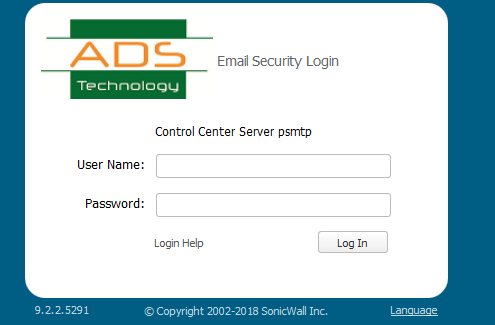
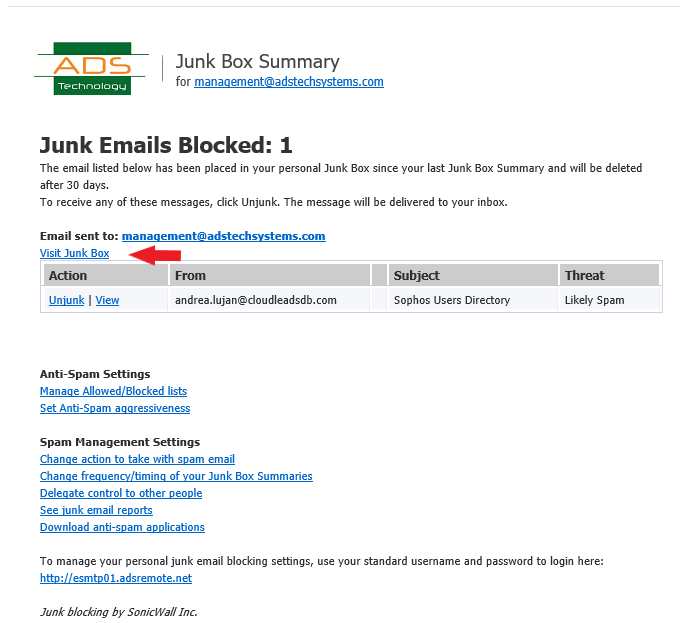
Login to Email Security device as your self or from the quarantine email click on visit Junk box
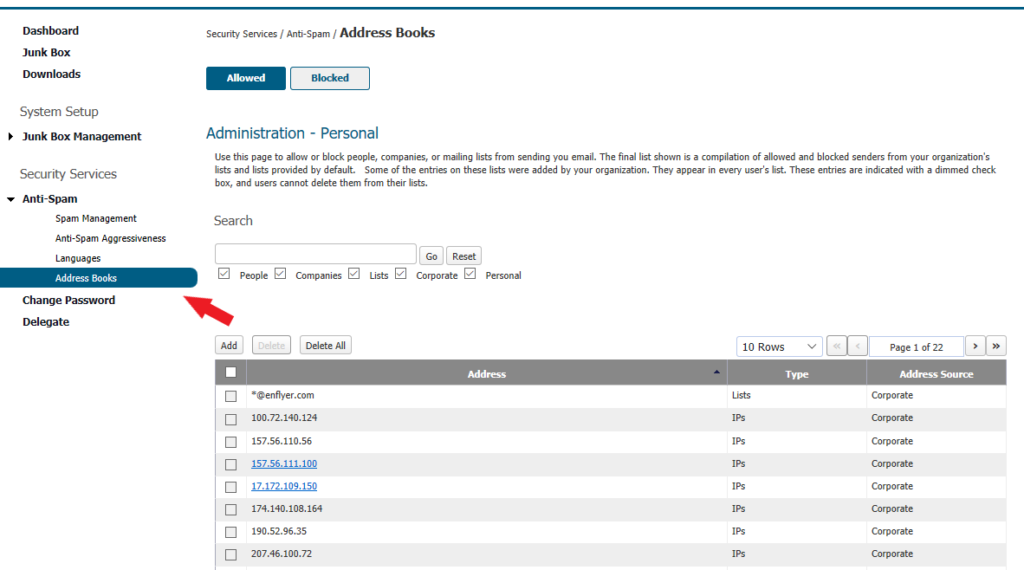
Go to Security Services | Anti-Spam | Address Book | Allowed or Blocked
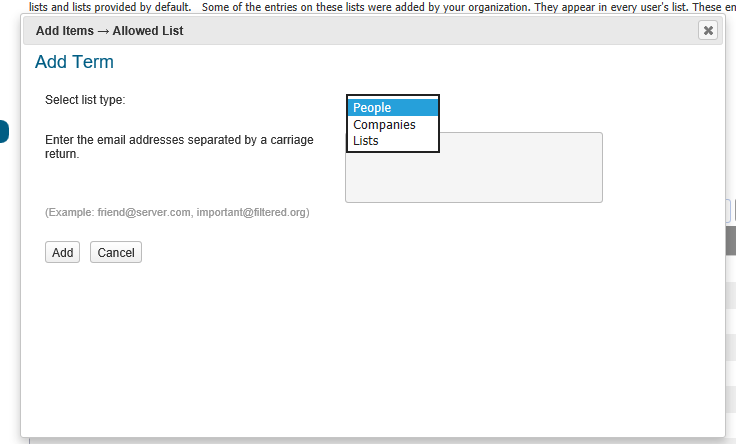
Click on Add , to add any of the four types mentioned below People Companies Lists IPs
People Use this page to allow or block people from sending you email. Enter the full email address of senders on the allowed and blocked lists and the address source. To search for a sender’s email address, enter a keyword or character string. Click Go. Ex: user@microsoft.com
Companies Use this panel to modify your organizations Allowed and Blocked lists by adding or deleting companies, domains, and address sources for companies. To remove a company from the Allowed or Blocked list: Check the check box adjacent to the name of the company from the Allowed or Blocked list. Click Delete. Searching for Companies To search for a company in the Allowed or Blocked list, enter a keyword or character string. Click Go. Domain names in are case insensitive. Domain names entered are converted to lower case. Lists can be sorted in ascending or descending order by clicking the column heading ex: microsoft.com

Recent Comments